Design Canvas
A canvas that handles layout for you
Build your document the way you would sketch it on paper. Things rearrange themselves to fit as you go, so a clean, professional layout is your starting point, not something you chase.
qalibify is the document editor for professional templates. Design your templates, define your variables, automate the rest.
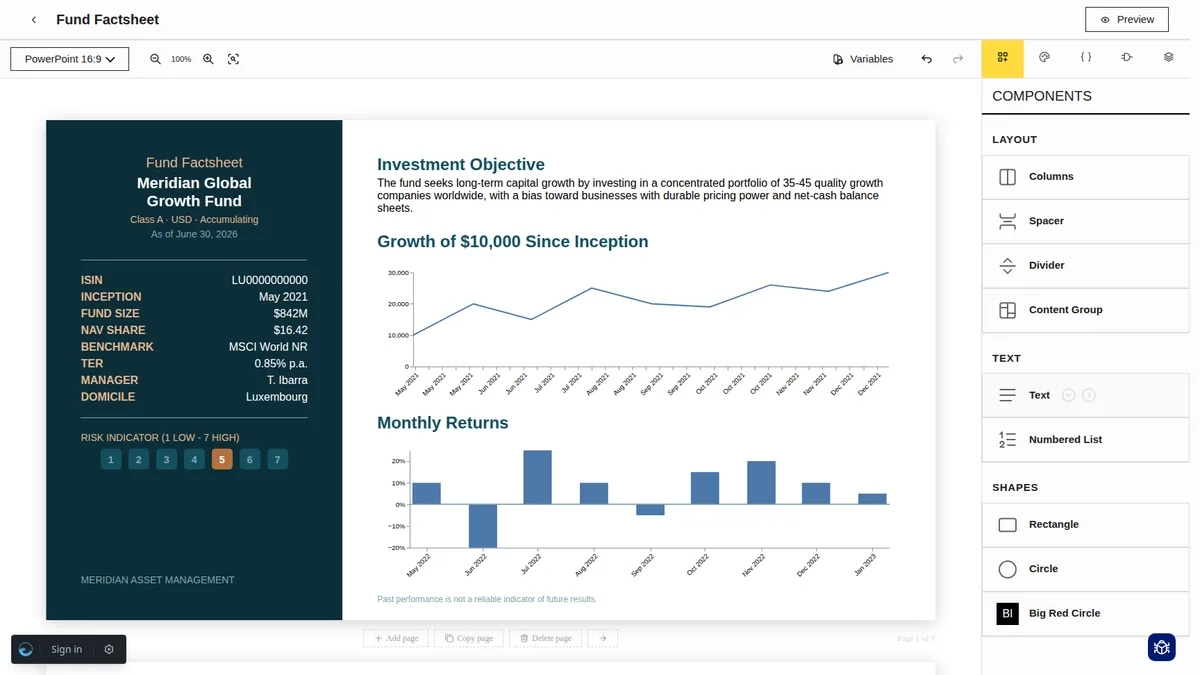
Design Canvas
Build your document the way you would sketch it on paper. Things rearrange themselves to fit as you go, so a clean, professional layout is your starting point, not something you chase.
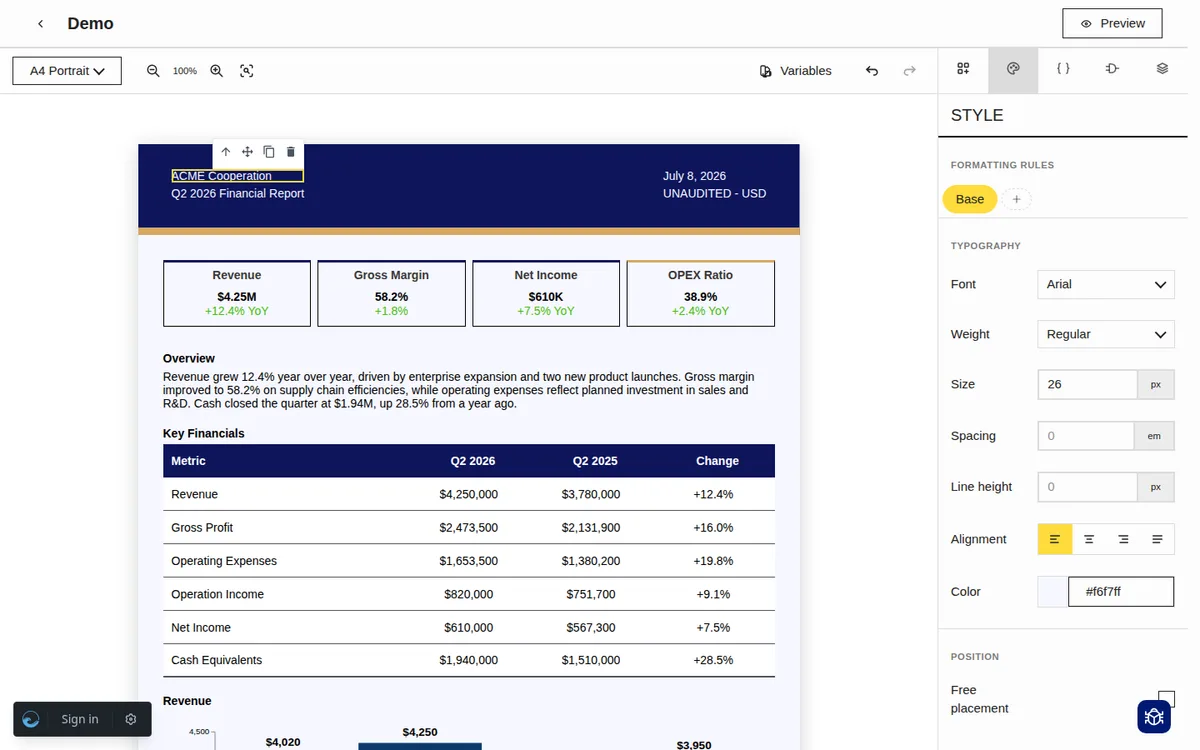
Charts & Tables
Bring your data to life without any setup. Paste in rows and get a clean table, add a dataset and get a chart, all in a few clicks.
Templating
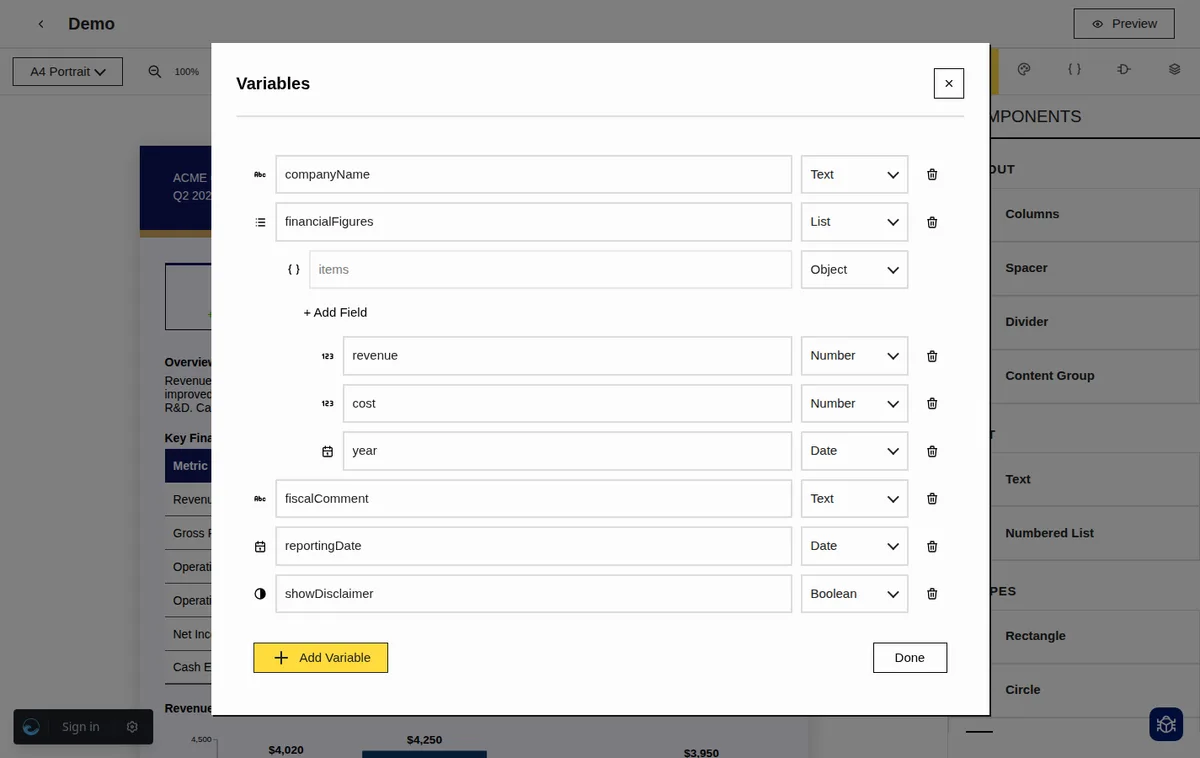
Make one template that adapts to whatever you throw at it. Show a section only when it is needed, repeat rows from a list, and swap in different details for each person, all without writing code.
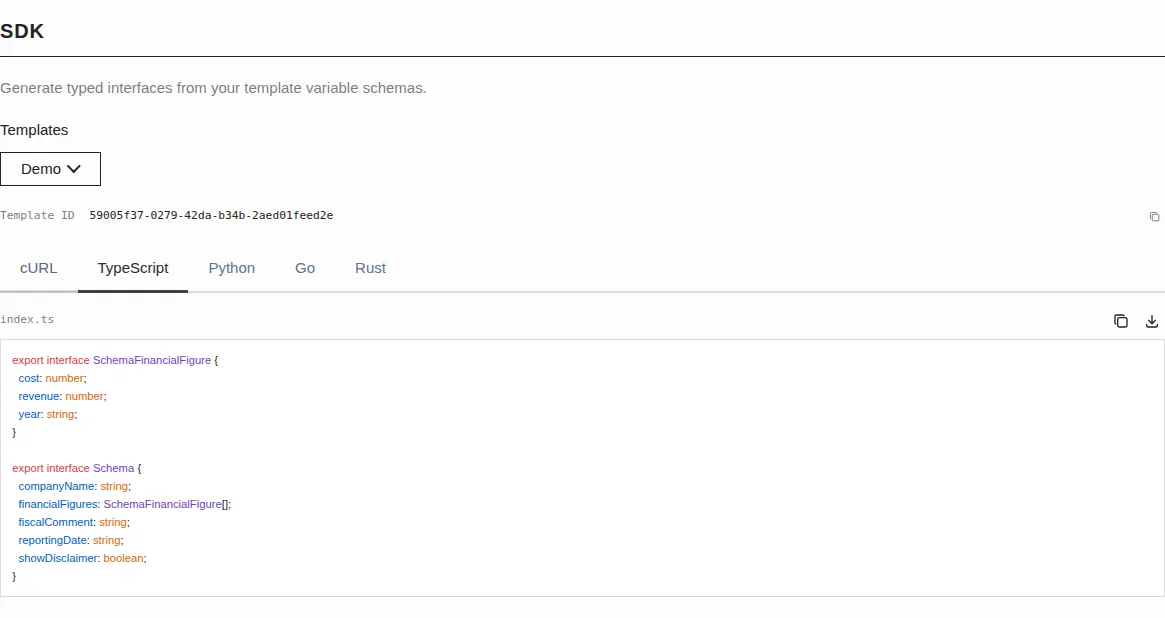
API & SDK
Design your template in the editor, then let your code take over. Every template comes with a ready made SDK and a simple API, so you send your data and get a finished document back.
From blank canvas to generated document in three steps.
Open the visual editor and build your document layout by placing blocks for text, images, tables, and dynamic placeholders. Adjust styles without touching a line of code.
Declare the typed variables your template expects — names, dates, numbers, lists, or any structured data. Qalibify validates the schema and generates a matching SDK for your code.
Call the API or use the dashboard to render your template with real data. Get a pixel-perfect PDF back instantly, ready to send, archive, or embed in your application.
Not at all. You build templates visually in the editor, the same way you would lay out a document by hand. Writing code only comes into play if you want to generate documents automatically from your own app, and even then we create most of that for you.
Anything from invoices and contracts to reports, certificates, and personalised letters. If it is a document that changes based on data, like a different name, total, or list of items each time, this is built for it.
Yes. Everyone works from a shared workspace where templates and assets live in one place, so your team always edits the same version instead of passing files around.
When you set up the variables in a template, we automatically create matching code for you, so your developers get something typed and ready to use without writing it themselves.
Those are great for writing, but they struggle once you need logic, like hiding sections, repeating rows, or filling in different details for each recipient automatically. This handles all of that, and it can generate documents on its own through your app rather than by hand.
Create your workspace, design your first template, and have a PDF in under five minutes.
Get started for free